Hiding a Payment Method
It is possible to hide specific payment methods, such as AfterPay, during the checkout process when the customer's invoice address does not match the delivery address. This is to minimize the risk of unauthorized transactions and prevent fraud.
- In the CloudSuite App, go to Stores > Payment Services > Payment Methods and open the payment method.
- Edit the details so that next to Visible, you choose Delivery equal to Invoice Address.
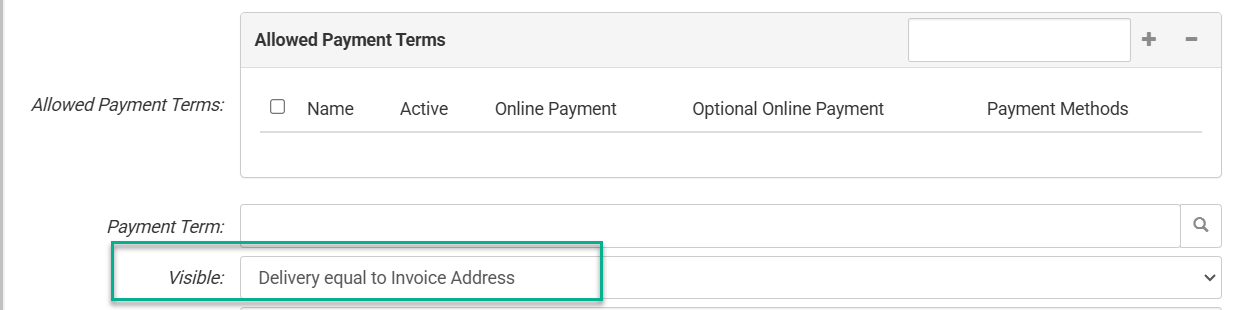
- Click Save.
When a customer places an order and the invoice address does not match the delivery address, the payment method will not be shown during the checkout process.