Adding Product Images in the Order Confirmation Email
By default, we include the product number (or SKU) and product description in the order confirmation email to the customer. It is also possible to include a thumbnail of the ordered product, or to add a product image such as in the order overview of the webshop.
In order to add a product image, a so-called variable must first be made available by CloudSuite Consultancy. Via the variable, the thumbnail is shown in the email template.
- In the CloudSuite App, go to Stores > Shop Emails and open the email template with the Type set to Order Confirmation.
- In the template details:
- Make sure that the
.product_imagevariable is listed next to Available Variables.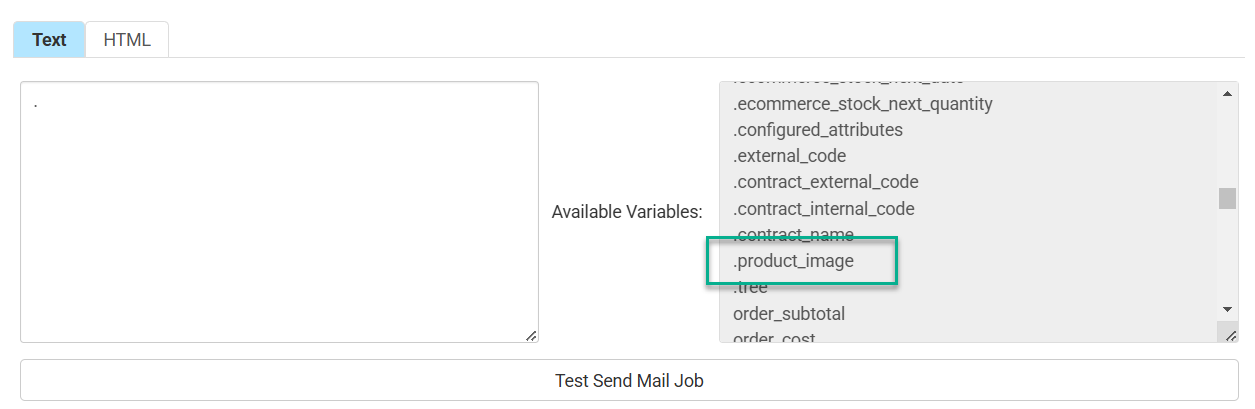
- In the HTML tab, edit the details of the email message to include the variable.
- Click Save when you are done.
- Make sure that the
warning
Incorrect changes in the shop email can cause problems when sending the order confirmation. Do not hesitate to contact your consultant or Customer Support for assistance.