Invoice and Delivery Addresses
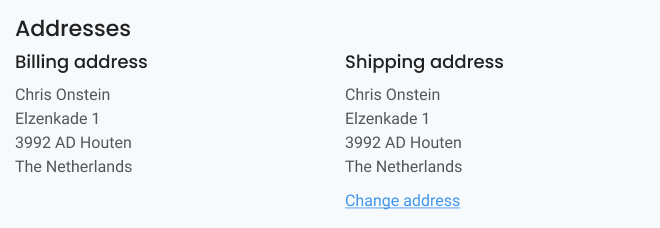
The Address section of the Payment Page lets the customer edit or add invoice and delivery addresses (based on the settings of the webshop).
- Edit invoice address opens a pop-up with a form to change an existing invoice address
- Edit delivery address opens a pop-up with a form to change an existing delivery address
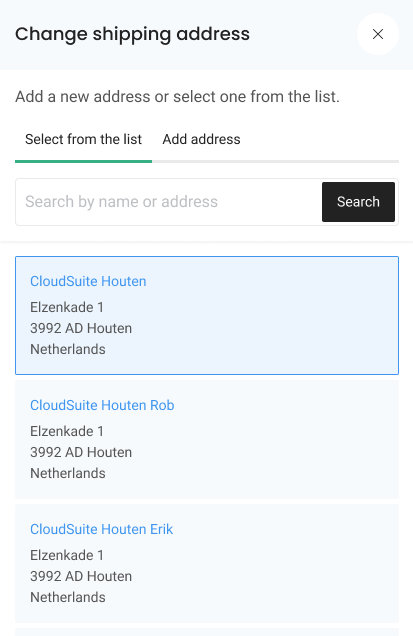
- Select delivery address opens a pop-up with a list of available addresses to select from
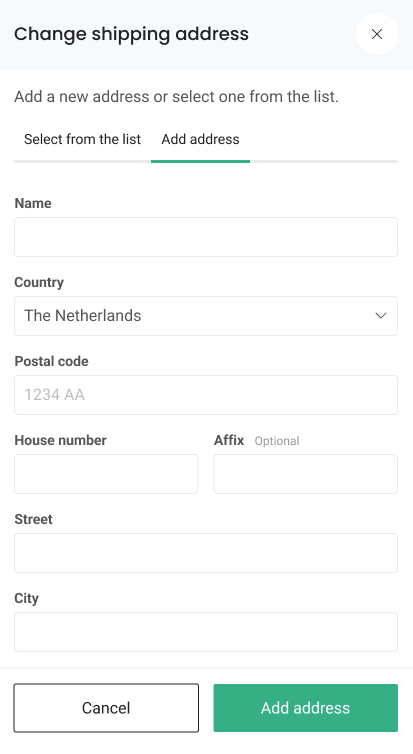
- Add delivery address opens a pop-up with a form to add a new delivery address
Example 1: Adding a New Delivery Address
Example 2: Changing a Delivery Address
Add email address
It is possible to store a separate email address per shipping address, which is saved in the “Email (packing slip)” field and can be used for shipment and delivery notifications to the recipient.